

Decide if your business needs a full online store or a simple storefront
Most small service businesses don't need a big online store for e-commerce website design in Georgetown. If you sell a handful of things, like gift cards, deposits, or a few products, a simple storefront usually does the job. A full store makes sense when you have lots of products, ship orders, or track stock every day.
This is the first question we'd ask you, and it matters more than colors or layouts. The answer decides how much you spend, how long the build takes, and how much work the site asks of you each week.
A simple storefront is a few "buy" buttons on your regular website. A full online store is a bigger system with product pages, a cart, shipping rules, and stock tracking.
A simple storefront is often enough if you:
- Sell gift cards, service packages, or memberships
- Take deposits before a job or an appointment
- Offer a small shelf of products, like the shampoo and styling items a salon keeps by the front desk
- Mostly want people to call or book, and selling online is a nice extra
Picture a salon owner who wants clients to buy gift cards during the holidays. She doesn't need a cart full of filters and shipping options. She needs a clean page where someone can pick an amount, pay, and get the card fast.
A full online store makes more sense if you:
- Have dozens or hundreds of products
- Sell items in different sizes, colors, or styles
- Ship orders to customers instead of handing them over in person
- Need to know when something is low or sold out
- Want customers to create accounts and reorder
Here's the honest part. A bigger store isn't automatically better. Every product needs photos, a description, and a price you keep current. Every shipping rule needs checking. If you don't have time to keep up with that, a big store can sit half-finished and cost you sales instead of bringing them in.
Cost follows the same pattern. These are the things that usually push the price of any online store up or down:
- How many products you're starting with
- Whether items come in different sizes, colors, or styles
- Shipping, pickup, and local delivery rules
- Connections to tools you already use, like booking or accounting software
- Who adds products and updates prices after launch
Before you talk to anyone about building a store, jot down a few quick answers. How many things will you sell in the first year? Will you ship them or hand them over? Who on your team will update the site?
Those answers usually point clearly to one choice or the other. You can also start small and grow. A simple storefront that works today is better than a big store you're still waiting on six months from now. If your sales grow, the site can grow with them.

Spot the signs your current website is losing you sales
Sometimes the website you already have is the reason online sales aren't coming in. It's hard to see from the inside, because you know where everything is. A new customer doesn't.
Here's a quick test you can do today. Grab your phone, open your own site, and try to buy something the way a stranger would. Don't use any shortcuts you know about.
While you're doing that, watch for these signs:
- It's hard to use on a phone. Buttons are tiny, text runs off the screen, or you have to pinch and zoom to read a price.
- Checkout takes too many steps. If buying a simple gift card asks for an account, a long form, and a hunt for the pay button, people give up.
- Pages load slowly. If you're staring at a blank screen for a few seconds, your customer is too, and they may not wait around.
- Your browser shows a "Not secure" warning. Shoppers notice that before they type in a card number.
- Prices, products, or hours are out of date. One wrong price makes people wonder what else on the site is wrong.
- Customers call to ask how to buy. If people keep phoning to order something your site should already sell, the site isn't doing its job.
- Nobody gets a receipt. A paid order with no confirmation email leaves people unsure if it went through, and some will call to check or ask for a refund.
Picture a contractor who takes deposits online for spring jobs. One customer mentions that the payment page froze on her phone. He has no way of knowing how many other people hit the same wall and simply called someone else.
That's the tricky part. A broken checkout doesn't complain. It just goes quiet, and your sales go quiet with it.
Here's the honest side, too. Not every slow month is the website's fault. If people find your site, look around, and still don't buy, the price, the photos, or the product itself may be the real issue.
And if hardly anyone visits at all, a new store won't fix that. The problem is getting found online in the first place. Our Local SEO services help with that, so people searching nearby can find you on Google.
If a few of the signs above hit home, you may not need to start over. Sometimes a website redesign fixes the checkout and phone layout while keeping what already works. Other times, a handful of speed and security fixes through regular website maintenance is enough.
At Studio 47 Web Design, we do all of the work in-house, with no other employees or outsourced help. That means nothing about your store gets handed off to someone you've never met, and you get a straight answer about whether your site needs a small fix or a bigger change.
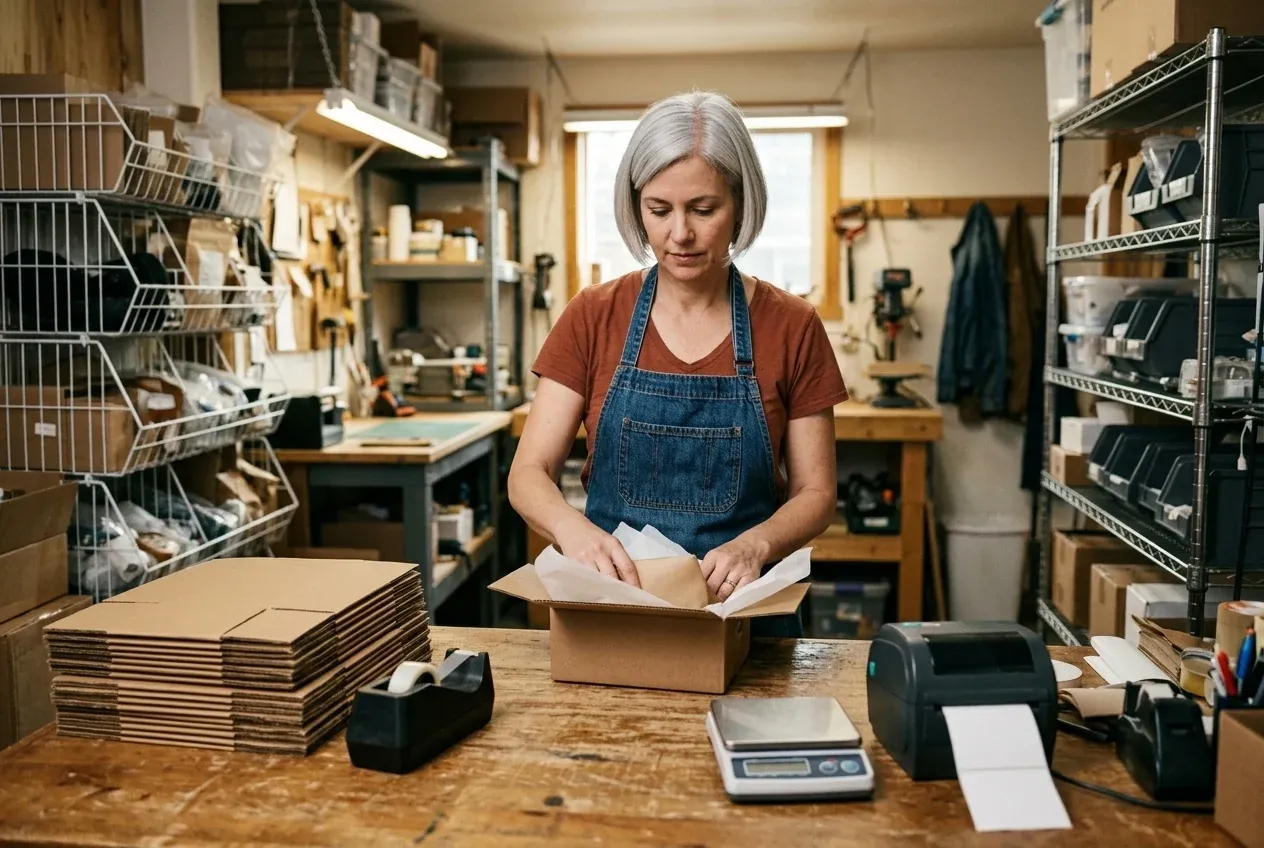
Know what a professional e-commerce build includes
A professional e-commerce build is more than a nice-looking page with a pay button. It's all the pieces that have to work behind the scenes so a stranger can buy from you without picking up the phone.
Whether you're selling a few gift cards or a few hundred products, a solid build should cover these basics:
- A layout made for phones first. Most shoppers will see your store on a small screen, so prices, photos, and buttons need to be easy to read and tap.
- Secure checkout. The site needs a security certificate so shoppers see a lock in the browser. Card details should go through a trusted payment processor instead of being stored on your site.
- Payment setup. This means connecting card payments, and digital wallets if you want them, so the money lands in your bank account.
- Clear product or service pages. Each one needs good photos, a plain description, a price, and any choices like size, color, or gift card amount.
- Tax, shipping, and pickup rules. These should be set up and checked so customers aren't charged the wrong amount at checkout.
- Automatic emails. The customer gets an order confirmation, and you get a heads-up every time a sale comes in.
- Basic search setup. Page titles, short descriptions, and clean web addresses help people find your products on Google.
- Testing before launch. Someone should place real test orders on phones and computers, including a refund, before any customer sees the store.
- Simple training. You should get a walkthrough so you or your staff can add a product, change a price, or mark something sold out without calling anyone.
There's one cost a lot of owners miss. Payment processors usually keep a small cut of every sale. That fee goes to the processor, not your web designer, so ask about it up front. That way it won't surprise you on your first statement.
After launch, your store also needs a home and some upkeep. Website hosting and domain registration keep it online at your own address. Website maintenance keeps it secure and up to date. Some owners like to handle that part themselves, and others would rather hand it off.
Before you hire anyone, including us, ask these questions:
- Who owns the website and the domain name when the work is done?
- What's included in the price, and what might cost extra later?
- How long will the build take, and what do you need from me to keep it on track?
- Will I be able to update products and prices on my own?
- Who do I contact if checkout stops working on a busy weekend?
Clear, plain answers are a good sign. If you get vague replies or a pile of jargon, keep asking until it makes sense to you. It's your business and your customers' money going through that checkout, so you deserve to know exactly what you're getting.
Ask the right questions before you hire anyone to build your store
The basic questions about ownership, cost, and timeline are a good start. A few more questions tell you a lot about how the next year with your store will feel.
These are the ones owners often forget to ask until it's too late:
- What will my store run on, and can I move it later? Some setups are easy to pack up and take elsewhere. Others lock you in, so you'd have to start over if you ever switch.
- What will I pay every month after launch? Besides the processor's cut of each sale, many stores carry a platform plan, add-on apps, and hosting. Ask for that list in writing.
- Who's writing the product descriptions and taking the photos? This is often the slowest part of any build. If it's on you, know that before day one.
- Can I see a store you've built for a business like mine? A salon selling gift cards and a contractor taking deposits need very different checkouts.
- If I already have a website, what happens to the pages people find on Google now? Old links should point to the new pages, so customers don't land on an error.
- How will I know if orders stop coming in? You want a real person to check, not just a hope that someone notices.
- Who will I be talking to? Find out if it's the person building your store or a rotating support desk.
Listen for how each person answers, not just what they say. A good builder explains things in plain words and tells you when something isn't worth paying for.
Sometimes the honest answer is that you don't need a custom build yet. If you only sell one gift card a month, the simple tools your payment company offers may be enough for now. That's a fine place to start.
With us, you already know the answer to that last question. We do all the work in-house, so you're talking to the people building your store from the first call to launch day.
We work with small service businesses like contractors, salons, home service companies, and medical and professional offices. We'll help you figure out what size store makes sense for your business, and we'll tell you plainly what it includes. You get affordable, professional work without the big-agency price tag.
Understand how e-commerce website pricing works before you request a quote
Most online store builds are priced in one of three ways. Knowing which one you're looking at makes it much easier to tell whether a quote is fair, and whether two quotes are even for the same job.
- A flat project price. You get one price for an agreed list of work. It's the easiest to budget for, as long as that list is clear and in writing.
- Hourly billing. You pay for the time spent. This works well for small fixes, but it's hard to know the final total on a full store build.
- A monthly plan. You pay less up front and spread the cost over time, often with hosting and updates bundled in. Ask what happens to your store if you ever stop paying.
Some builders mix these. For example, a flat price for the build, then a monthly fee for upkeep afterward. That's normal. What matters is that you can see which costs happen once and which ones keep coming every month.
It's also common to pay part of a project price up front and the rest at launch. Ask when each payment is due and what has to be finished before it is.
Don't be surprised if two quotes for the same store are far apart. Often they aren't quoting the same work. One might include loading every product, writing descriptions, setup testing, and training. Another might cover only the design and leave the rest to you.
The cheaper quote can end up costing more once you add back the missing pieces. It can also cost you time you don't have. So lay your quotes side by side and check them line by line:
- Who loads the products and writes the descriptions?
- Are test orders and a refund test part of the price?
- Is training included, or billed separately?
- How many rounds of changes are covered before extra charges start?
- Which costs repeat every month, and which are one time only?
That question about changes is a big one. Ideas come up halfway through a build. Maybe you decide to sell holiday gift cards too, or add local pickup. That's fine. You just want to know ahead of time how new requests get priced, so the bill at the end isn't a shock.
You'll get a more accurate quote if you bring a little homework. Start with your answers about product count, shipping, and who'll update the site. Add a couple of online stores you like the feel of, plus any date that matters to you, like a busy season you want to be ready for.
With those answers, a builder can price the store you need instead of guessing. That protects you from paying for features you won't use.
We think you should know what you're paying for before any work starts. When you talk with us, you're talking with the people who will build your store. We'll lay out what's included, what repeats monthly, and what would cost extra, in plain words. Then you can decide with no pressure.
FAQs
Can we switch from a simple storefront to a full online store later?
Yes, you can start small and grow when you're ready. A simple storefront that handles gift cards or deposits today can expand into a full store with more products, shipping, and stock tracking once your sales pick up. This saves you from paying for features you don't need yet while leaving room to add them later.
Do we need to write our own product descriptions and take our own photos?
That depends on what you agree to before the build starts, so ask this question up front. Writing descriptions and taking photos is often the slowest part of any store build, and if that job falls on you, it's better to know on day one than to find out halfway through.
What happens to our old website pages when we add a store?
Your old links should point to the new pages so customers don't land on an error. This matters if people already find your business on Google, since broken links can send potential buyers to a dead page instead of your new store.
Will the payment processor take a cut of every sale we make?
Yes, payment processors usually keep a small percentage of each sale, and that fee goes to the processor, not to us. It's worth asking about this cost up front so it doesn't surprise you on your first bank statement.